I’ve been managing PPC campaigns for years, and there’s one pattern I keep seeing again and again.
People come to me completely exhausted.
They’ve poured thousands into Google or Facebook ads, binge-watched all the “guru” videos, followed every tutorial step-by-step… yet their results barely move.
And the worst part?
They think they’re doing everything right.
But under the surface, a few small — and easily fixable — mistakes are quietly eating up nearly 40% of their ad budget.
Let’s break them down so you can plug those leaks for good.
Mistake #1: Ignoring Search Term Reports — The Hidden Money Drain
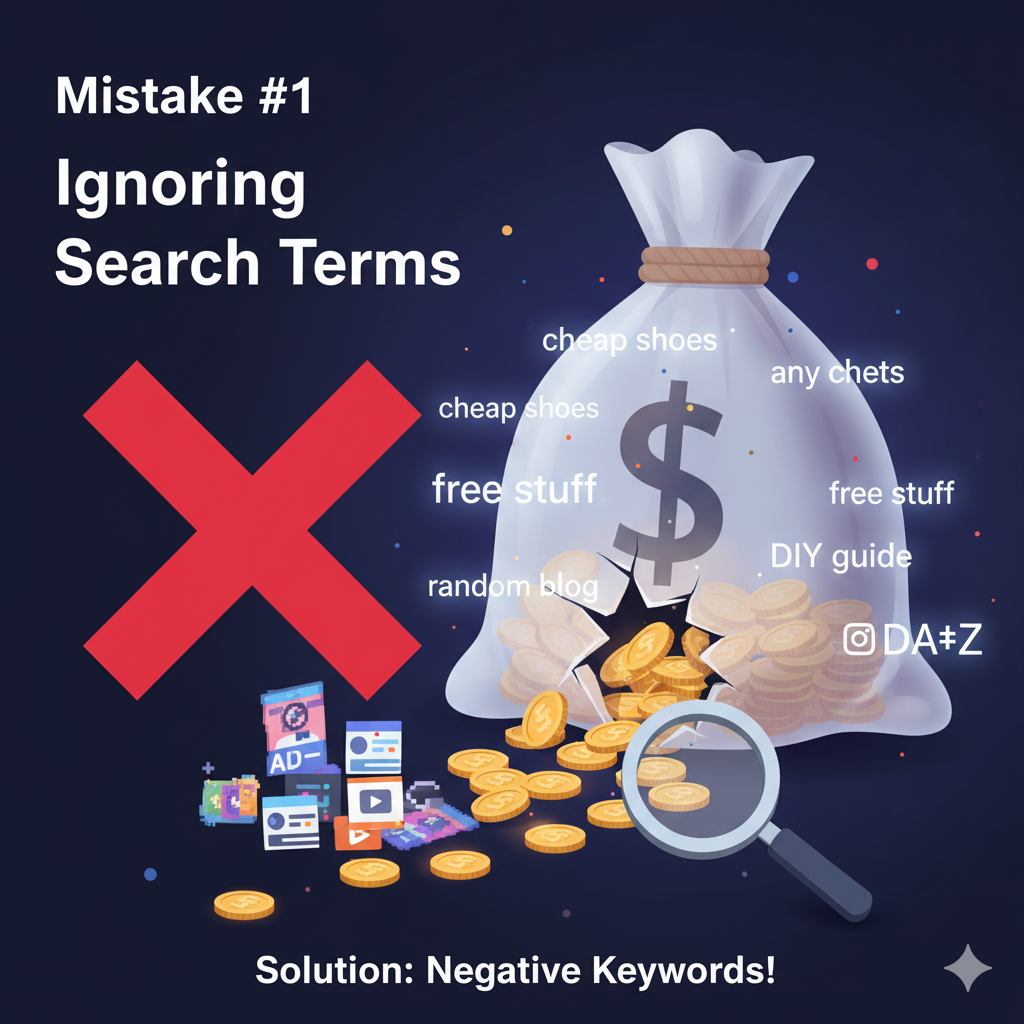
If there’s one thing most advertisers skip, it’s their Search Term Report.
When I ask new clients if they review it regularly, most hesitate and say something like,
“Hmm… maybe once?”
And that’s exactly where the problem begins.
Here’s what usually happens:
You launch a campaign for “women’s running shoes.”
Then Google — trying to “help” — starts showing your ads for irrelevant terms like “cheap shoes,” “shoe cleaning,” or “best running shoes reviews.”
Each of those clicks costs you money. But guess what?
None of those people are ready to buy.
I once audited an eCommerce brand spending around $8,000/month on ads.
After analyzing their search terms, we found 38% of their clicks were irrelevant.
That’s about $3,000 wasted every single month — just from not filtering their keywords.
How to Fix It:
- Review your search terms weekly — not once in a blue moon.
- Add irrelevant words like “free,” “cheap,” or “DIY” as negative keywords.
- Keep an updated list and refine it over time.
It’s not glamorous work — but it’s the difference between quietly losing money and running a profitable campaign.
Read Also: The Complete Guide to Choosing a Reliable Mobile App Development Company in Houston
Mistake #2: Treating Bidding Like a “Set It and Forget It” Task
Let’s be honest — we’ve all done this at some point.
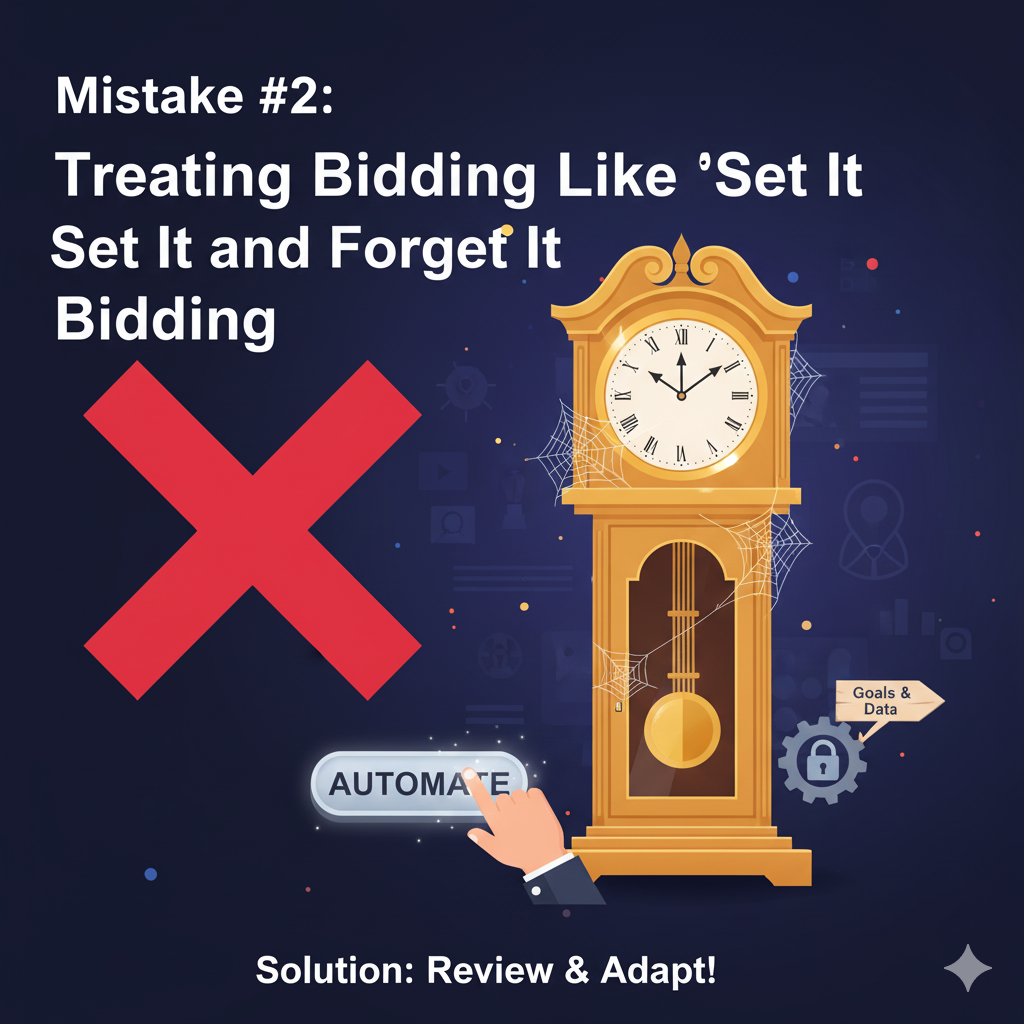
You set up your campaign, enable automated bidding, see results rolling in, and move on to other things.
Then suddenly… performance drops.
You scratch your head, wondering what changed.
The truth is — bidding isn’t a one-time setup.
Google’s Smart Bidding learns from your data, and when your goals, pricing, or audience evolve, your bidding strategy must evolve too.
Example:
A SaaS client of mine had a Target CPA of $50 when their average customer value was $500. That worked fine initially.
But as their customer lifetime value grew to $3,000, they could’ve easily spent more to acquire new customers — yet their ads stopped showing as often because the target CPA was still too restrictive.
They were unknowingly limiting their own growth.
On the flip side, I’ve seen advertisers cling to manual bidding way too long — wasting hours adjusting bids that automation could’ve handled faster and smarter.
How to Fix It:
- Review your bidding strategy every month.
- Reassess your goals and conversion data.
- Using Smart Bidding? Make sure you have at least 30+ conversions/month for accurate optimization.
- Test both automated vs manual bidding and let the numbers speak.
Think of bidding as an ongoing conversation with your data — not a command you issue once.
Important Link: top-ai-tools-to-analyze-ppc-competitor-campaigns
Mistake #3: Sending All Ads to the Homepage
This one’s painful because it’s so easy to fix.
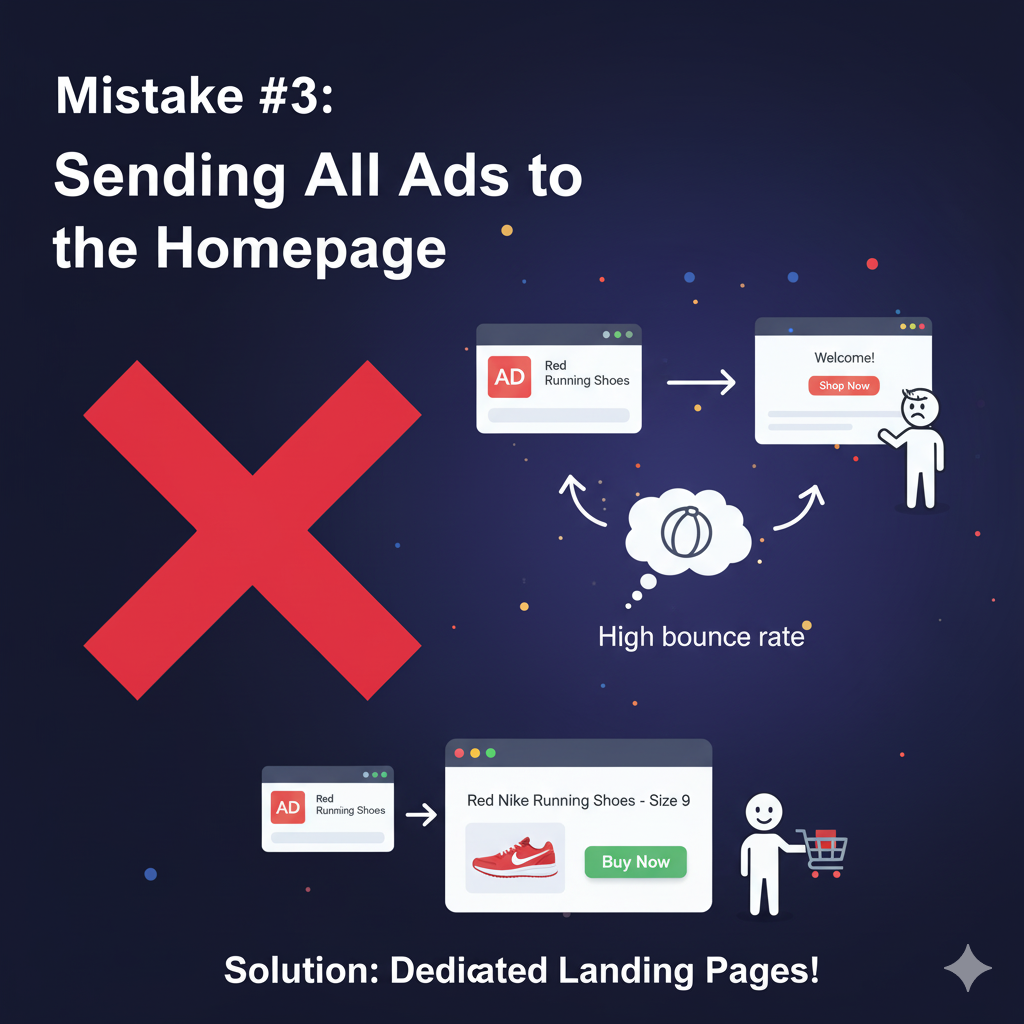
Imagine searching for “red Nike running shoes size 9.”
You click an ad — and it drops you on the brand’s homepage instead of the exact product page.
Now you have to scroll, search, and click around again.
Most people won’t bother. They’ll just bounce.
One of my local service clients made the same mistake.
Every ad — no matter the service — sent traffic to their homepage.
Their conversion rate? 1.2%.
We built dedicated landing pages for each service — plumbing, electrical, and home renovation — each with a single, clear call-to-action.
Within just two weeks, their conversion rate jumped to 4.7%.
Same ads.
Same budget.
Nearly 4x more leads.
How to Fix It:
- Create dedicated landing pages that match each ad.
- Focus on one offer, one CTA, zero clutter.
- Match your ad headline with your landing page headline.
- Use simple tools like Unbounce, Instapage, or WordPress.
If your ad says “20% Off Kitchen Renovations in Austin,” your landing page should say the exact same thing.
That consistency builds trust — and trust converts.
Reclaim the 40% You’re Losing
These three mistakes might seem small on their own, but together they can drain nearly half your ad spend.
The good news?
You can fix them all without spending a single extra dollar.
Quick Action Plan:
- This week: Review your search terms.
- Next week: Revisit your bidding strategy.
- Week after: Audit your landing pages.
Then keep repeating this cycle every month.
Winning at PPC isn’t about who spends more — it’s about who pays attention.
Fix these areas and you’ll see the difference — not just in metrics, but in actual profit.
Your missing 40% is waiting to be claimed.
Go get it.
FAQs
Q: How often should I check my PPC campaigns?
A: Check search terms weekly, review bidding biweekly, and audit landing pages monthly. Stay proactive.
Q: Does automated bidding waste money?
A: Only if you ignore it. The algorithm learns best when guided by clear goals and clean data.
Q: What’s a normal PPC conversion rate?
A: eCommerce averages around 2–3%, while service businesses often reach 5–10%.
Q: Should I use broad match keywords?
A: Only if you’re actively monitoring your search terms. Otherwise, start with phrase or exact match.
Q: Do I need landing pages for every keyword?
A: Not every keyword — just each main offer or product. What matters most is message alignment.
Conclusion
Good PPC isn’t about having a big budget — it’s about making smart, consistent adjustments that help every dollar work harder.
Keep testing, keep learning, and keep optimizing.
Your next big win is probably hiding in your data.